


Smart. Fast. Secure.

Skip the QR codes. Pay instantly with walletii in one tap.

Forget scanning—just tap the link and go straight to payment.

Walletii is licensed by the Central Bank of Oman
Walletii Scan and Pay QR code screen.

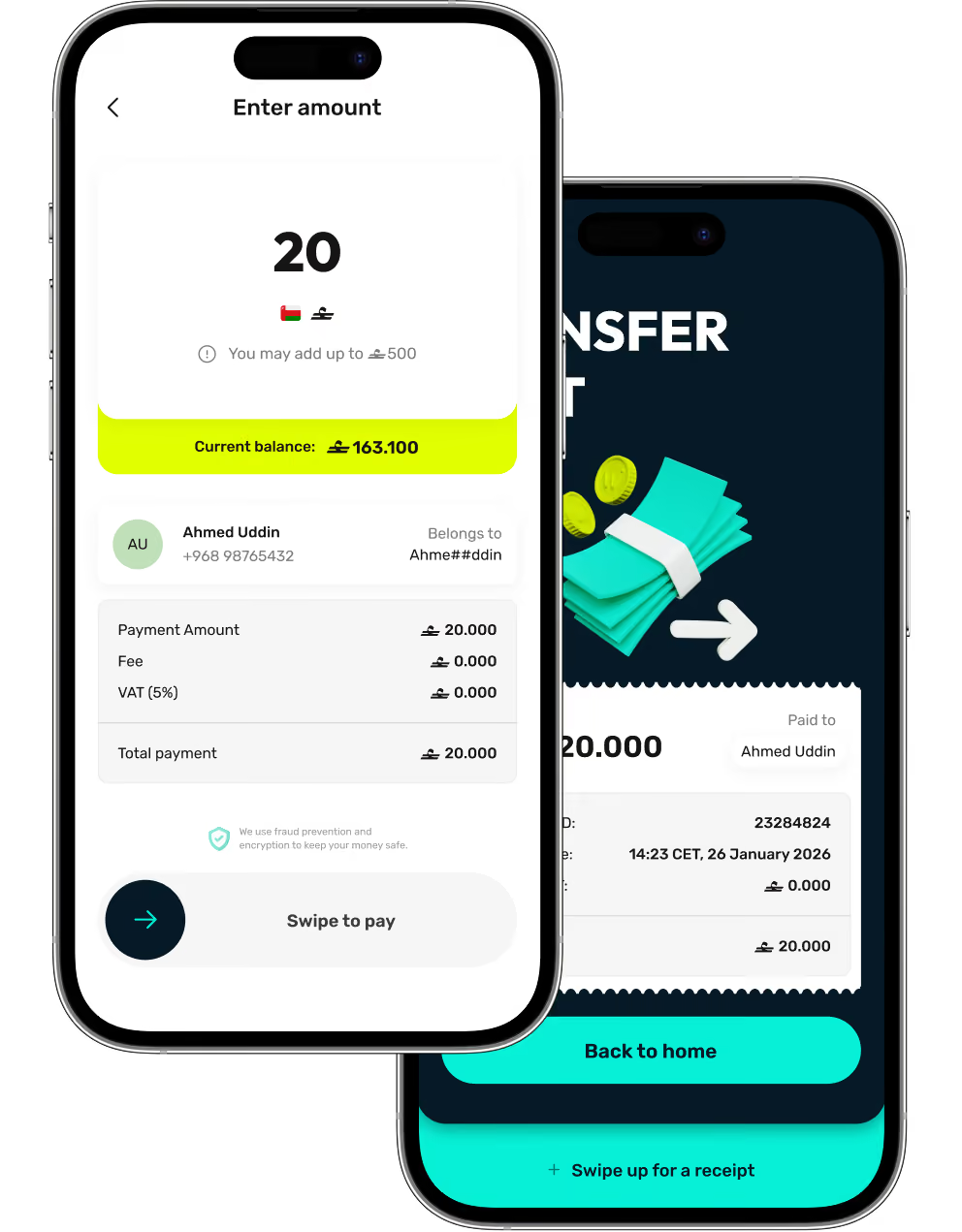
All your transactions — in one place

Send money locally and internationally, pay bills, receive money from others, and make everyday purchases securely.
Walletii app screen for sending money to a contact.Walletii app screen for sending money to a contact.
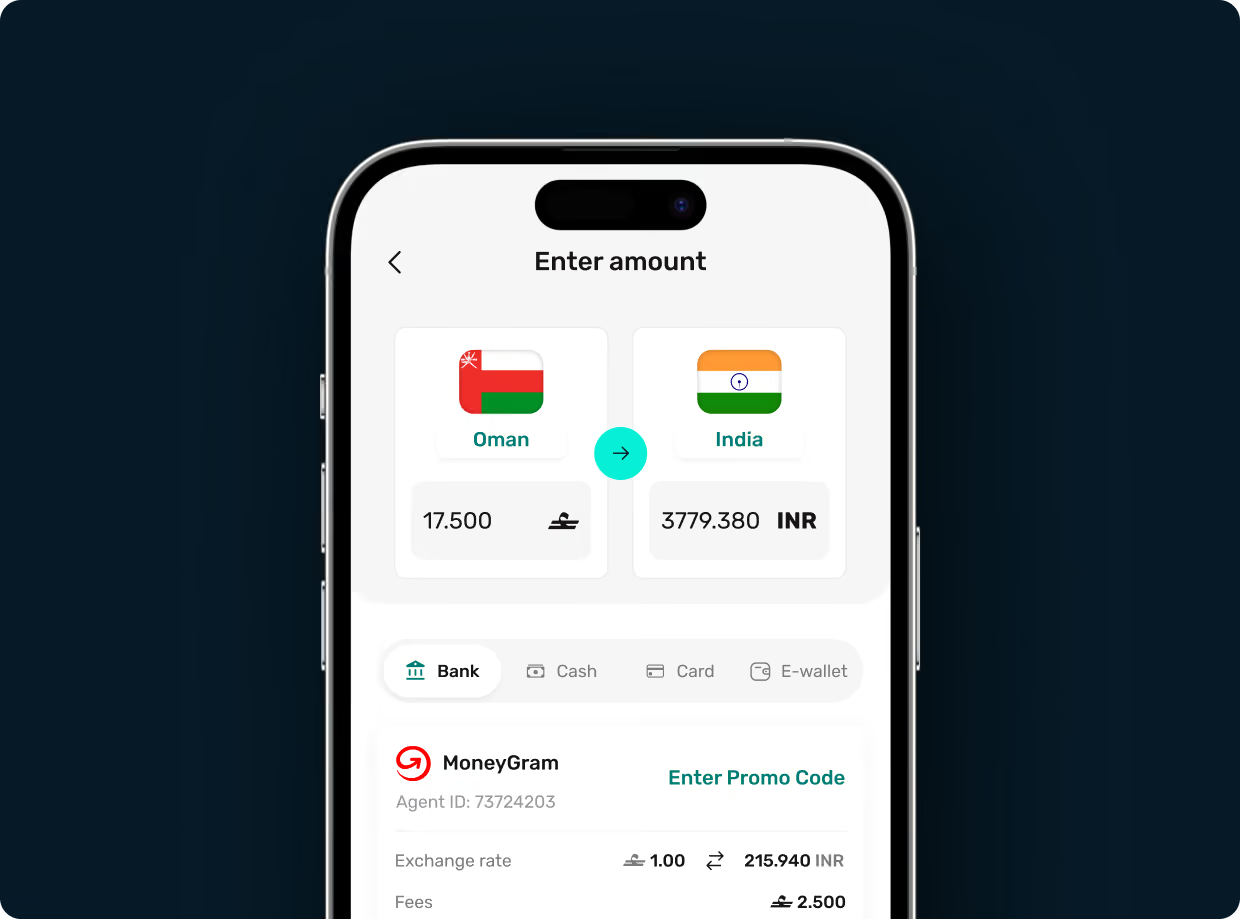
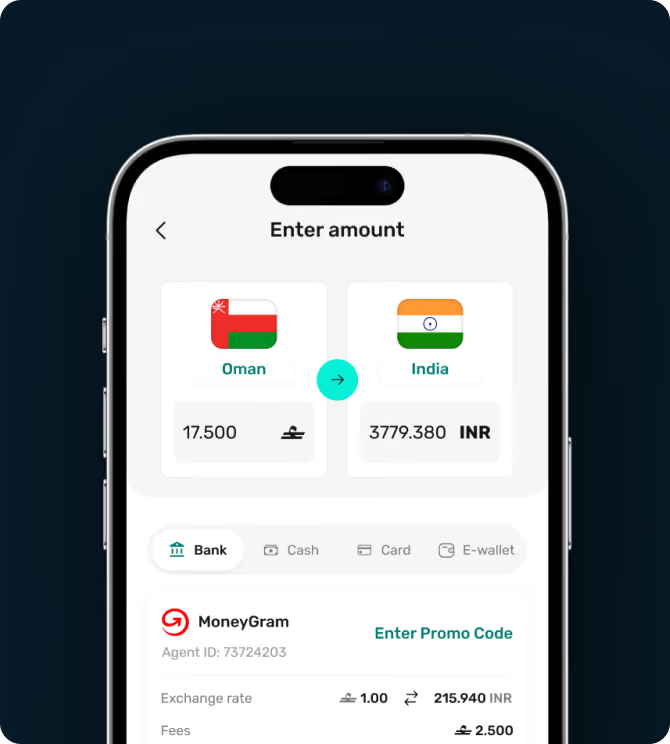
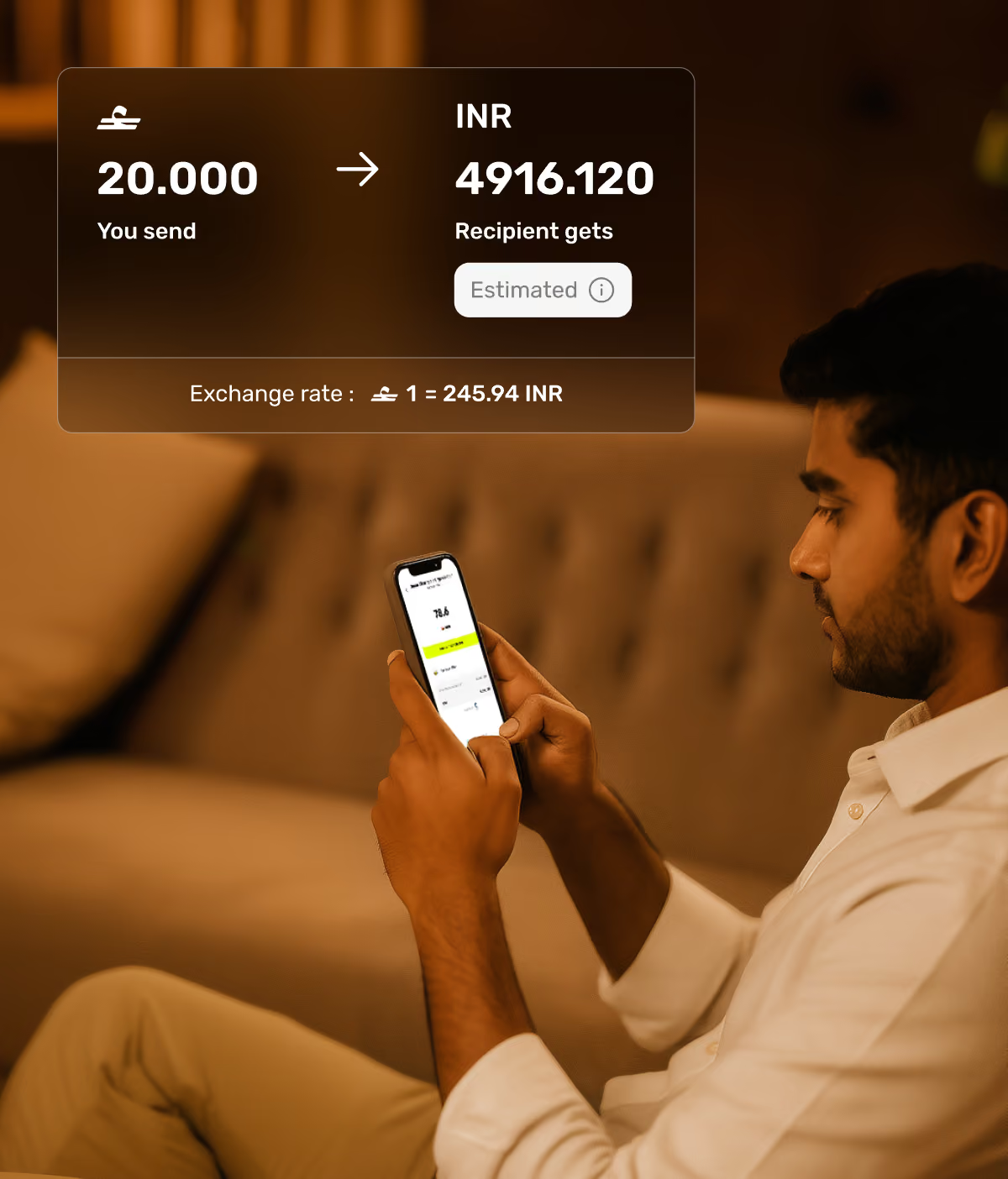
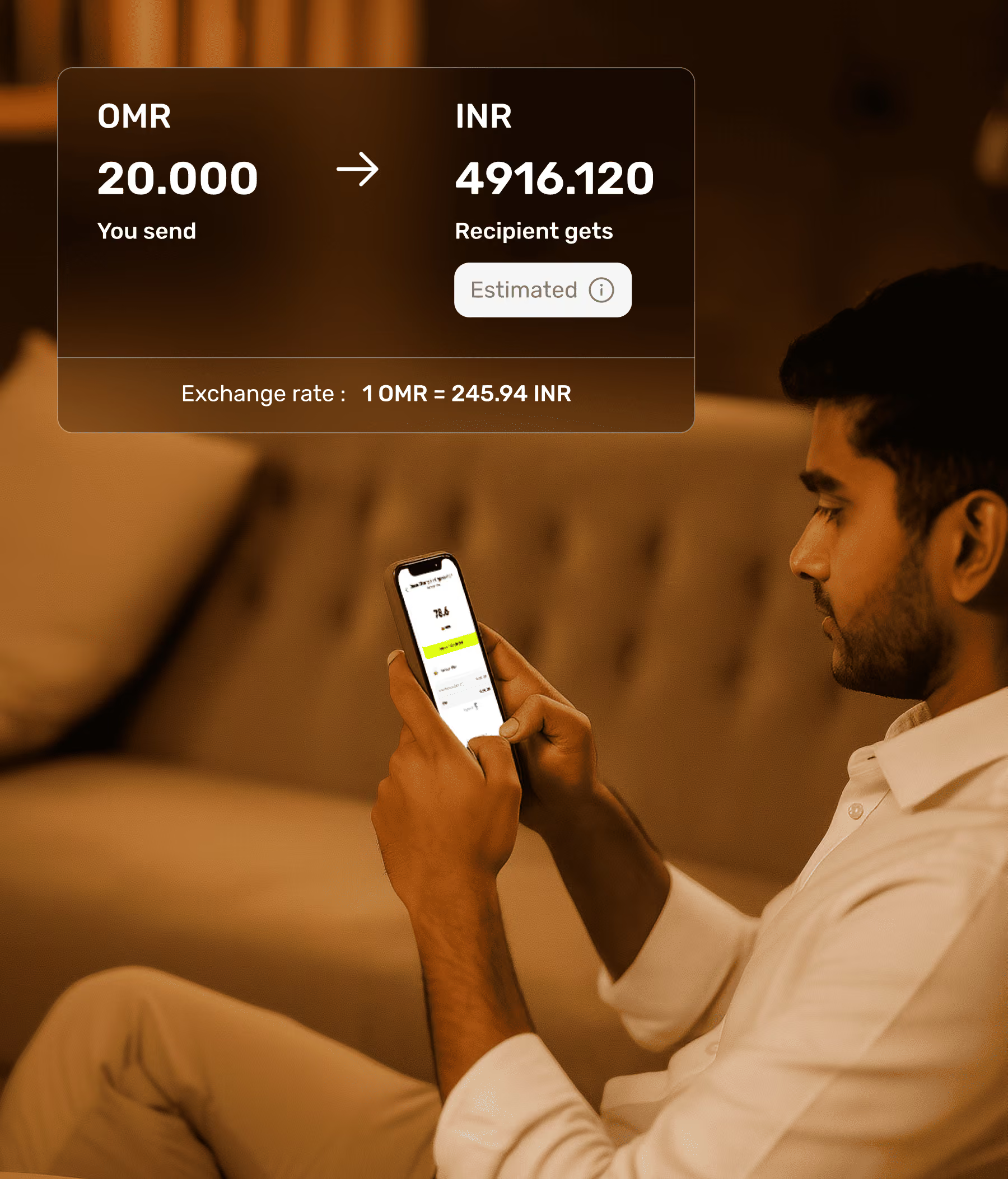
Send money home at great exchange rates
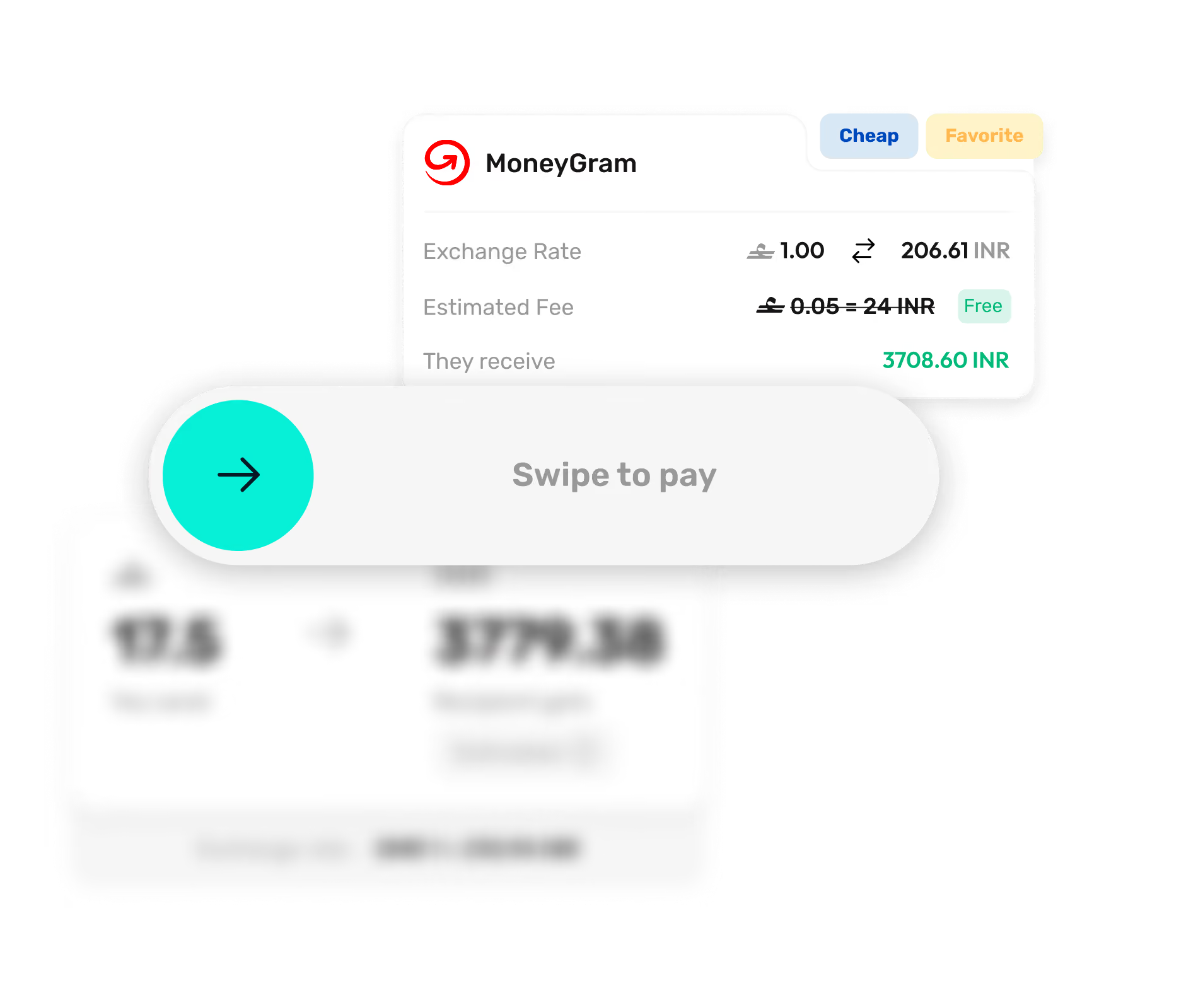
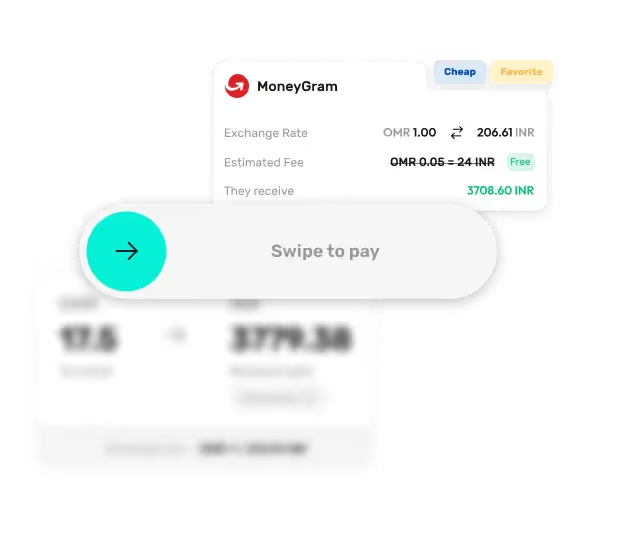
International remittances to India, Pakistan, Bangladesh, Philippines (and many more) — via banks, digital wallets, or cash pickups.
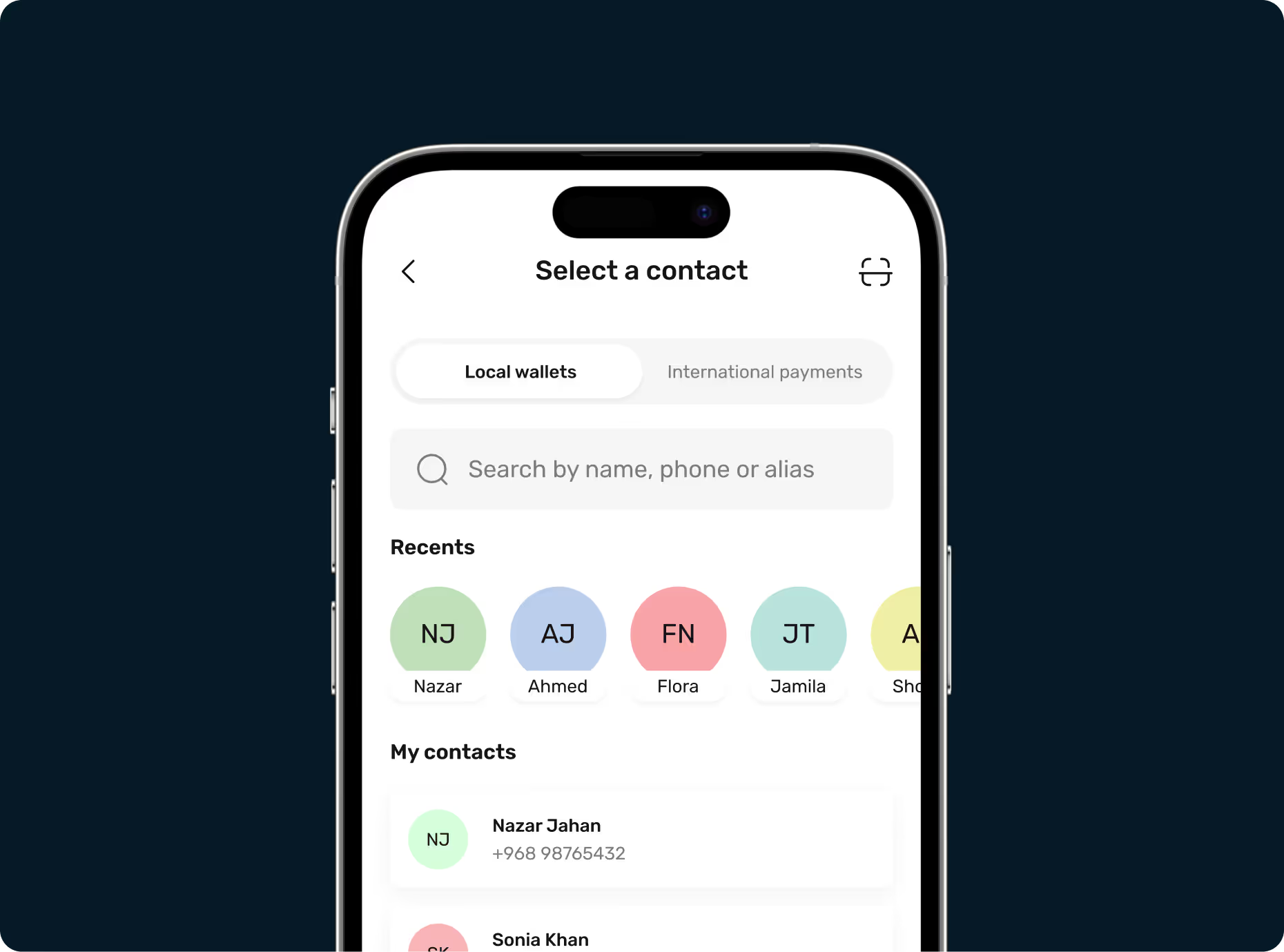
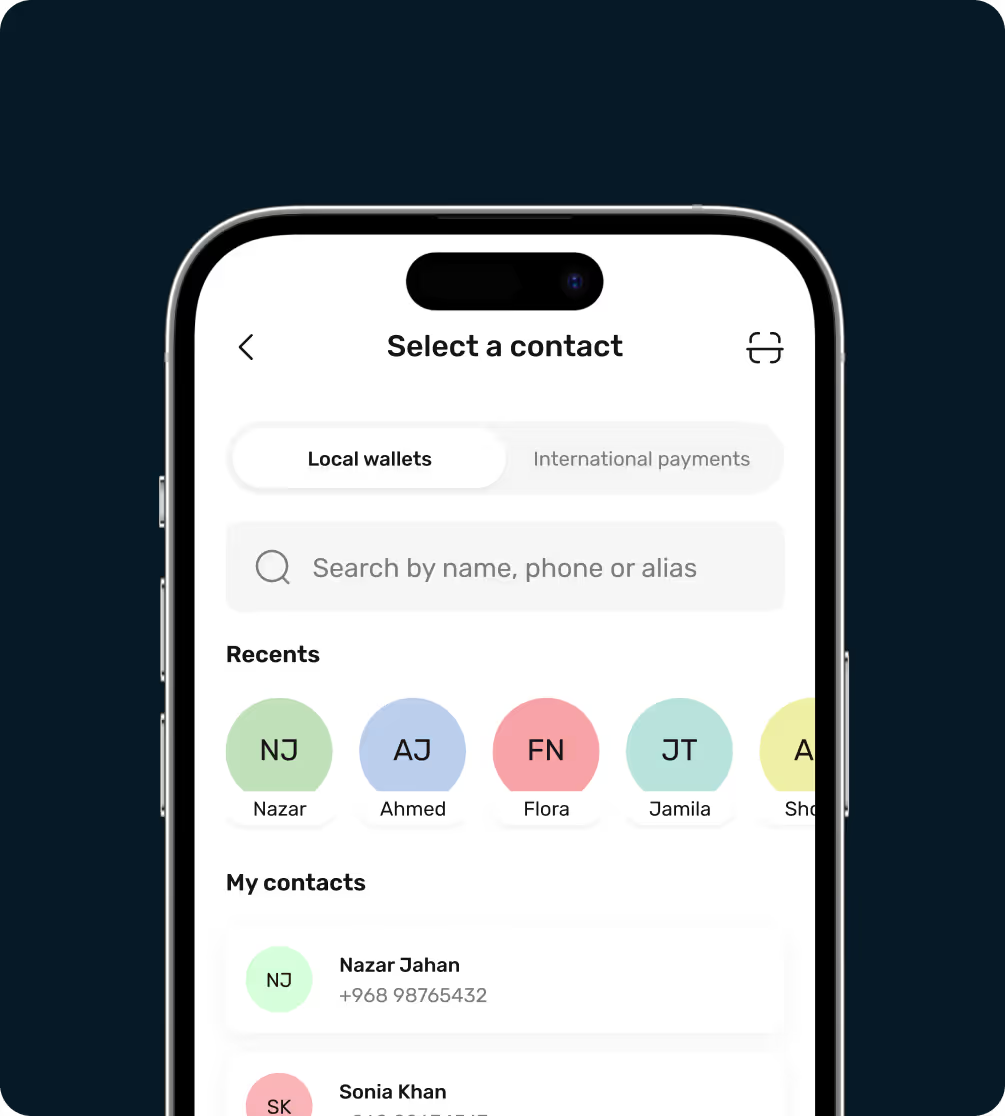
Mobile app screen showing contact selection with tabs for Local wallets and International payments, a search bar, recent contacts displayed as colored circles with initials and names, and a contact list including Nazar Jahan and Sonia Khan with phone numbers.Walletii card activation step screen.
Transfer money in Oman easily
Share money with friends and family locally in a few taps.
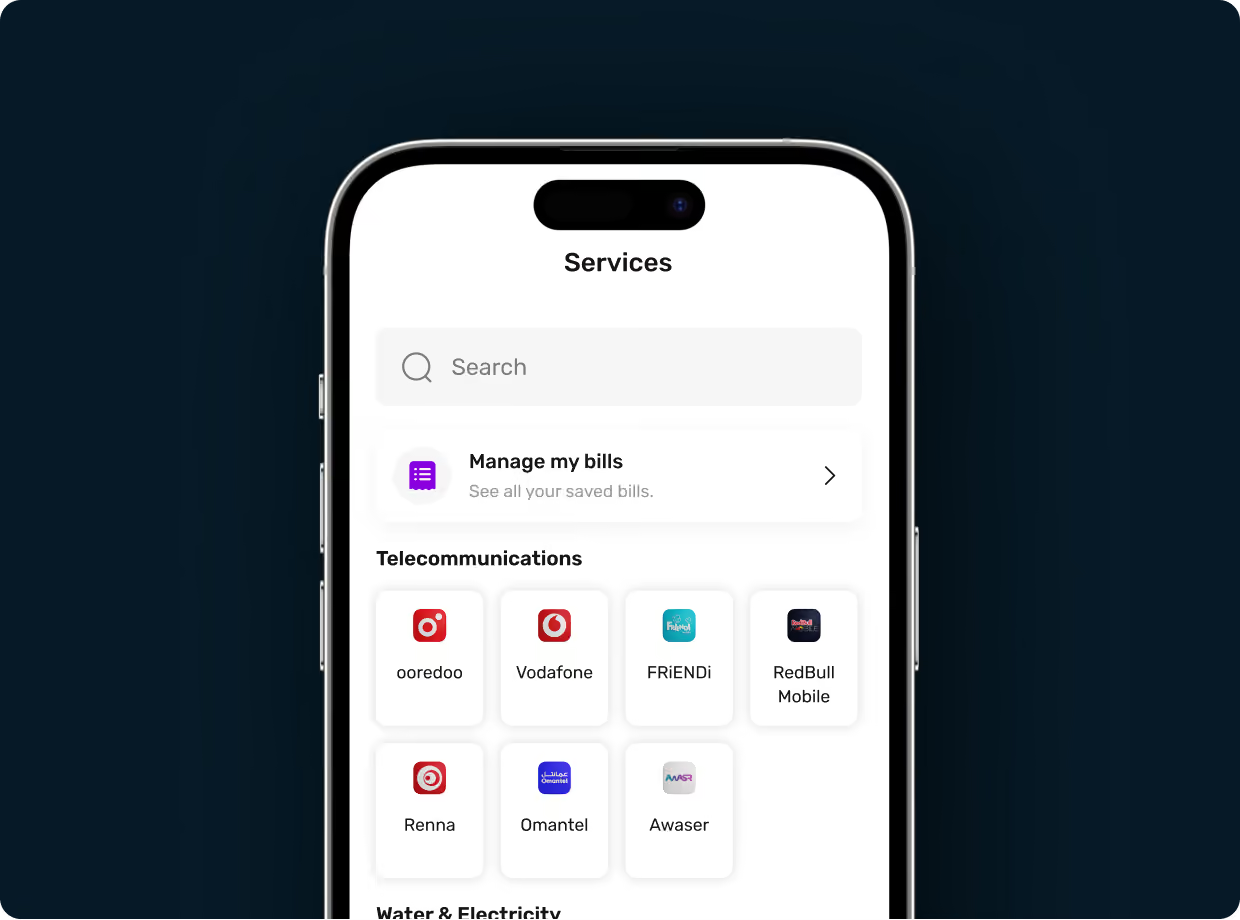
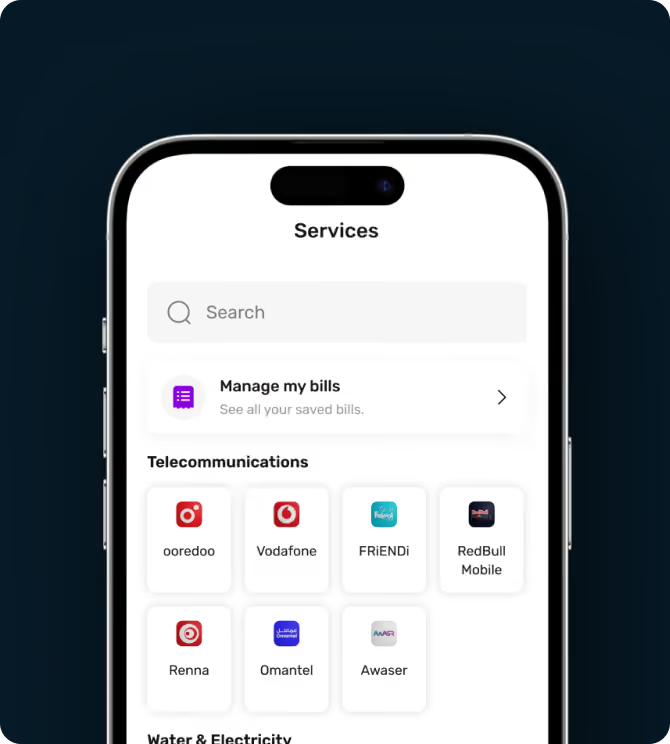
Walletii app screen for paying utility bills.Walletii app screen for sending money to a contact.
Pay bills from your phone
Handle bills easily, wherever you are.
Walletii screen for never running out of balance tips.Walletii screen for never running out of balance tips.
Never run out of funds
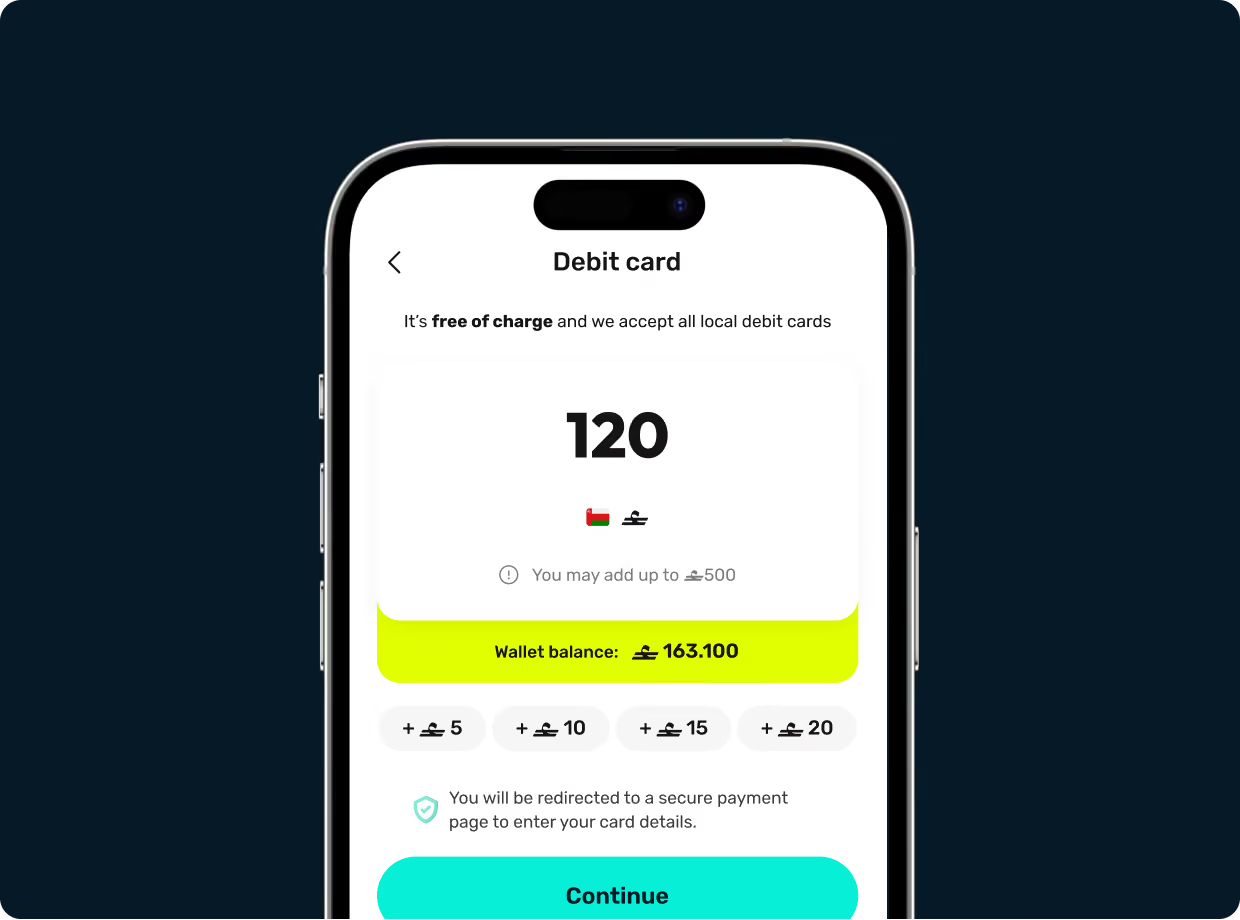
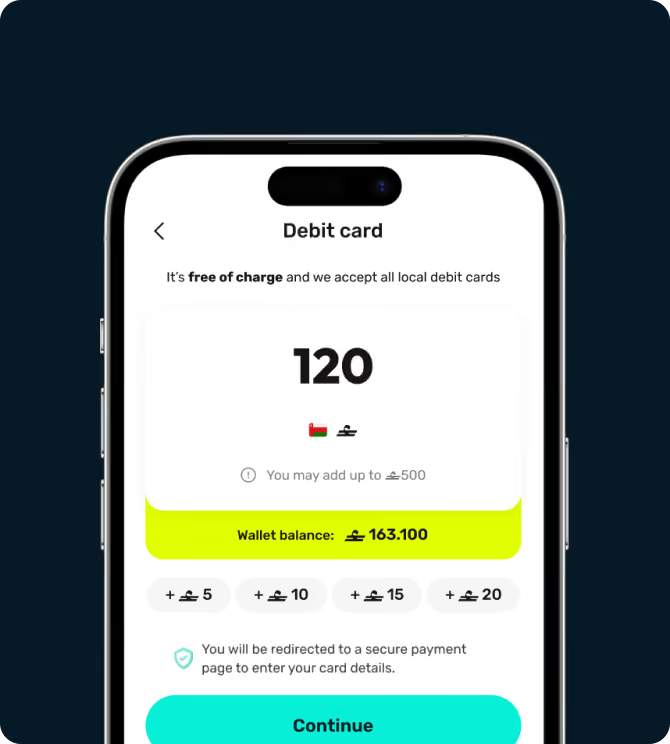
Top up your wallet instantly with your card or from any Oman bank using your walletii alias.
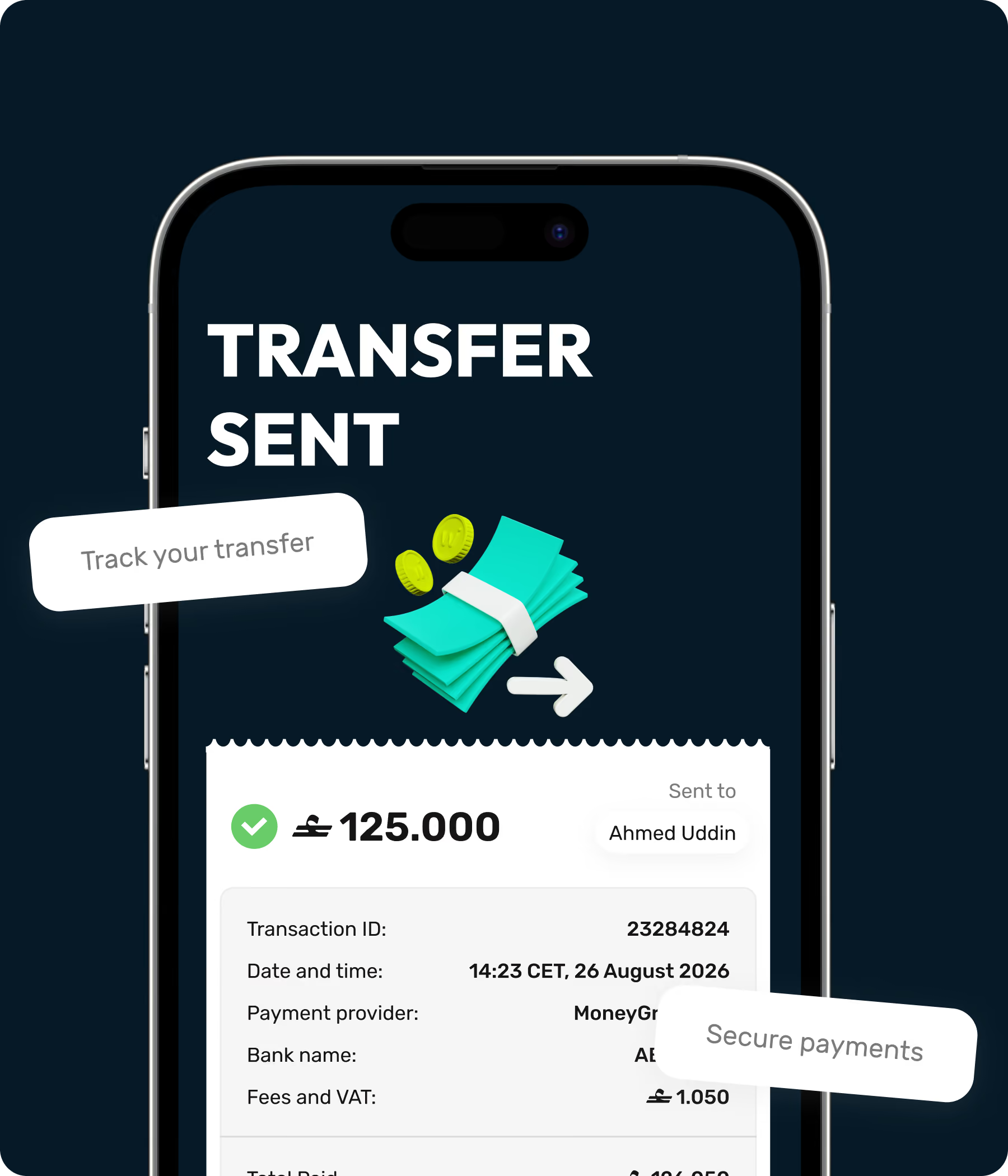
Transaction tracking illustration.

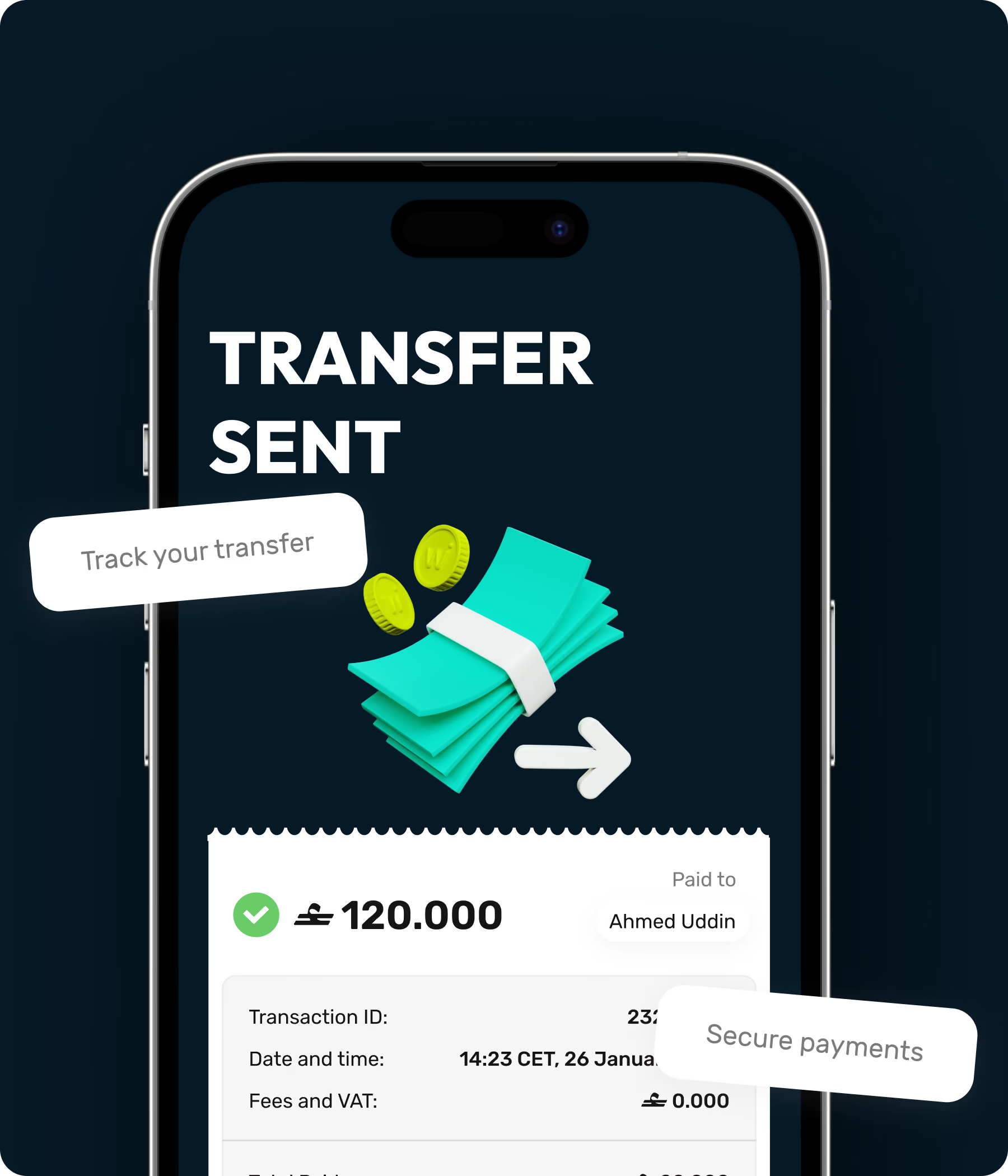
Real-time transaction tracking

Walletii logo.

The brand you can trust

Central Bank of Oman logo.

Licensed by the Central Bank of Oman
Frequently asked
questions

मैं walletii पर साइन अप करके इसका इस्तेमाल कैसे शुरू कर सकता हूँ?

walletii ऐप डाउनलोड करें, और यह आपको साइन अप प्रक्रिया में गाइड करेगा। पैसे भेजने या प्राप्त करने से पहले हमें आपकी पहचान वेरिफ़ाई करनी होगी। इसके लिए आपसे सेल्फ़ी लेने और अपनी आईडी स्कैन करने के लिए कहा जाएगा, इसलिए इसे तैयार रखें।

‘Request money’ क्या है और मैं इसे कैसे इस्तेमाल कर सकता हूँ?

आप किसी से पैसा माँगने के लिए ‘Request money’ का उपयोग कर सकते हैं। ‘Request money’ पर टैप करें और राशि दर्ज करें। फिर ‘Share request’ पर टैप करें और या तो सेव किए हुए कॉन्टैक्ट को चुनें, या ‘Share’ पर टैप करके QR कोड अन्य ऐप्स से भेजें। यह QR कोड walletii के ‘Scan and pay’ या किसी अन्य लोकल वॉलेट से स्कैन किया जा सकता है।

क्या कोई ट्रांज़ैक्शन फ़ीस है?

ओमान में walletii से दूसरे वॉलेट या बैंक अकाउंट में पैसा भेजने पर कोई फ़ीस नहीं है। दूसरे देश में पैसा भेजने पर फ़ीस लग सकती है - यह इस बात पर निर्भर करता है कि आप किस देश में पैसा भेज रहे हैं, कौन-सा प्रोवाइडर चुना है और कौन-सा डिलीवरी विकल्प। आपको पेमेंट पर VAT भी देना पड़ सकता है। ऐप में हमेशा साफ़-साफ़ बताया जाएगा कि एक्सचेंज रेट क्या है और कोई फ़ीस लगेगी या नहीं। आप हमारी पूरी फ़ीस गाइड यहाँ देख सकते हैं।